Type an idea or add a photo. ShortStudio turns it into realistic AI videos in up to 4K and photos that look shot by a pro, ready for TikTok, Reels and Shorts.
Free to download See the cost before you create No watermarks
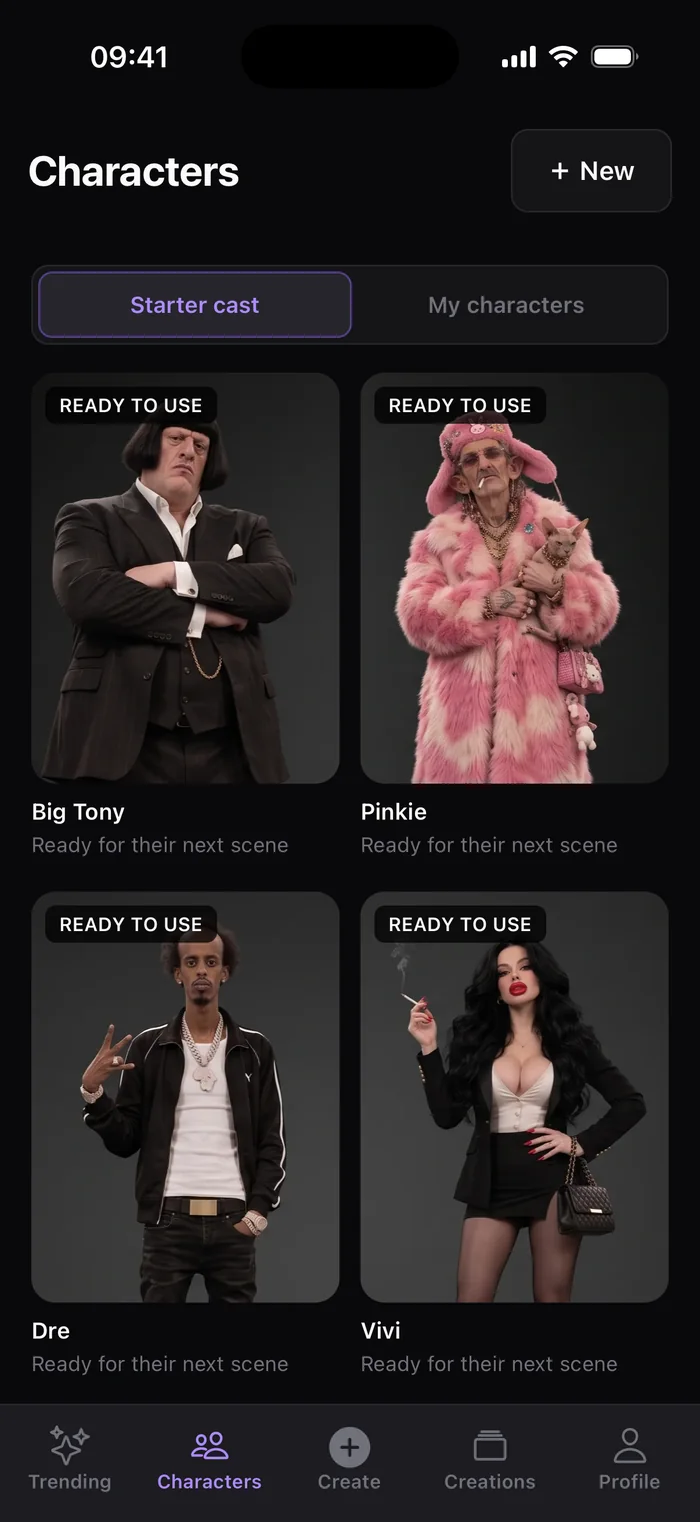
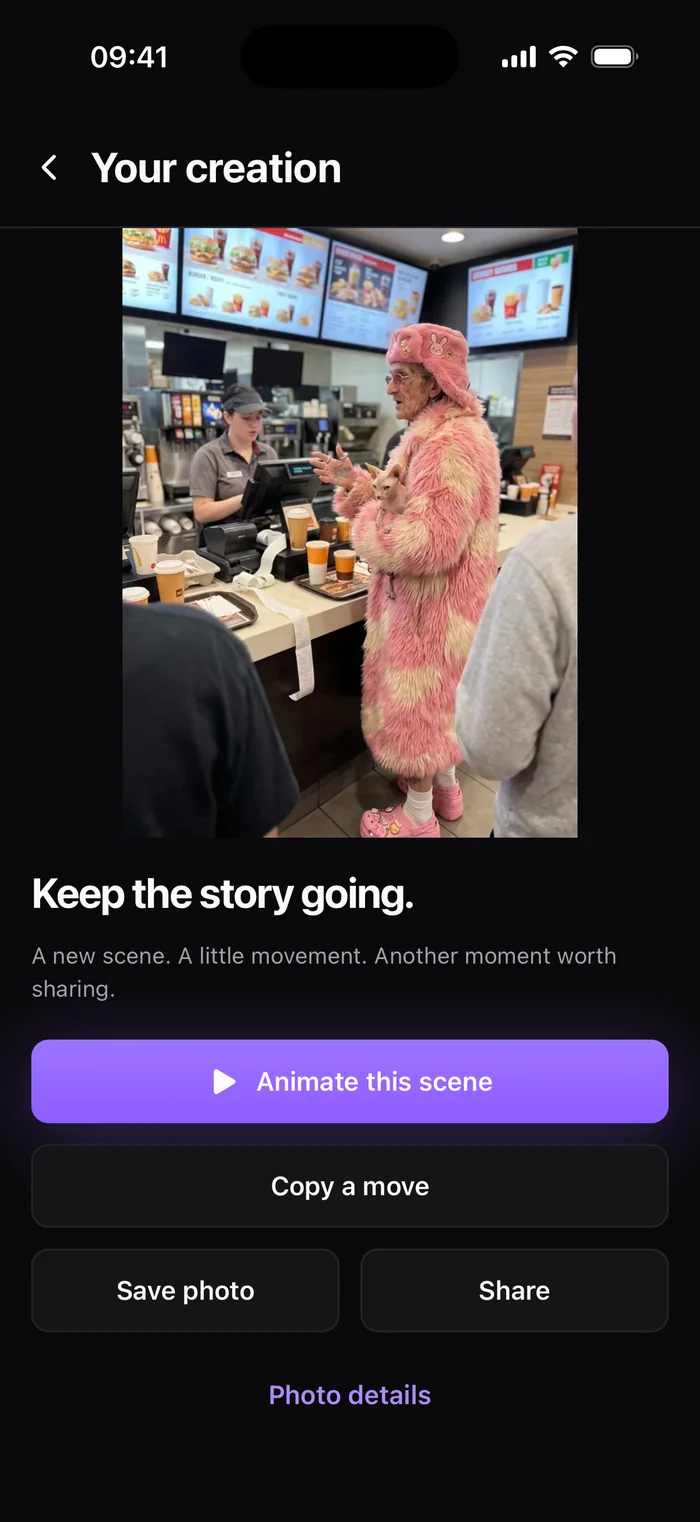
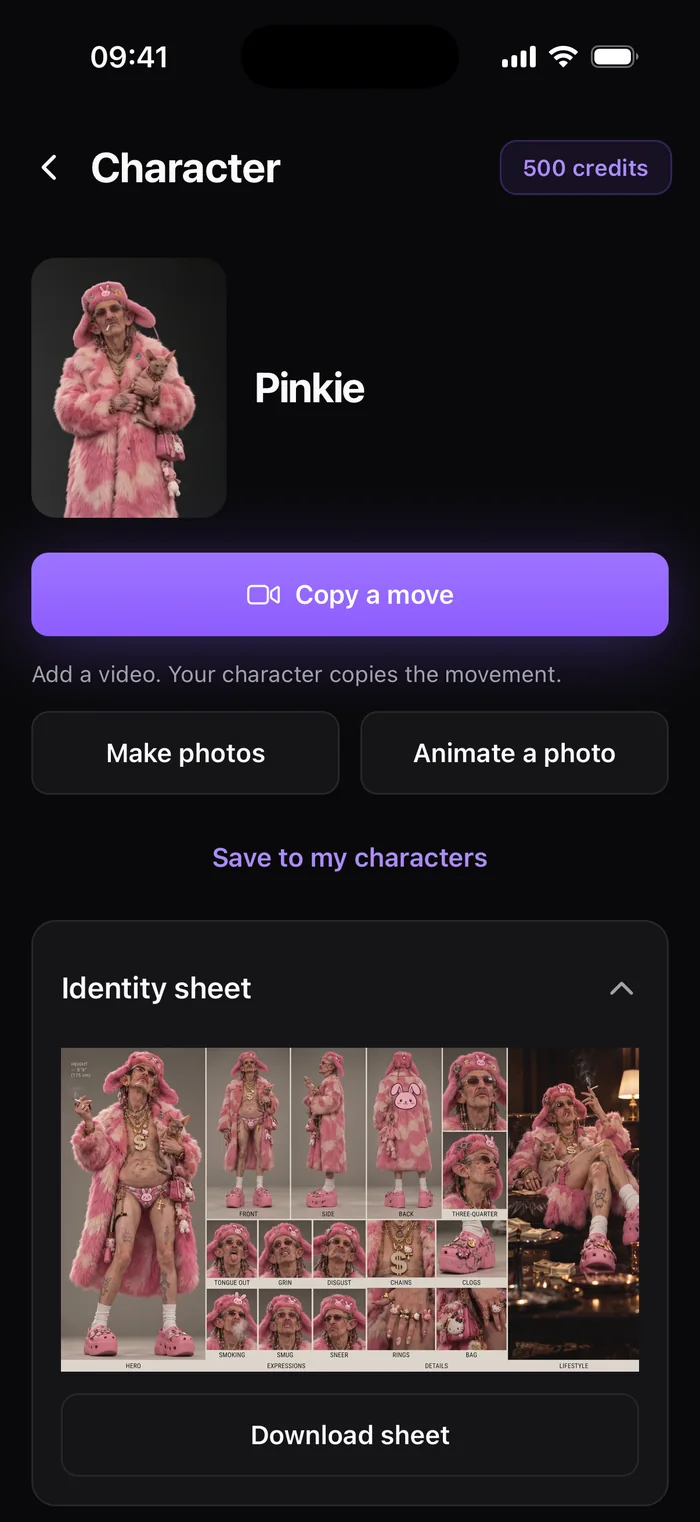
PinkieReady for their next scene
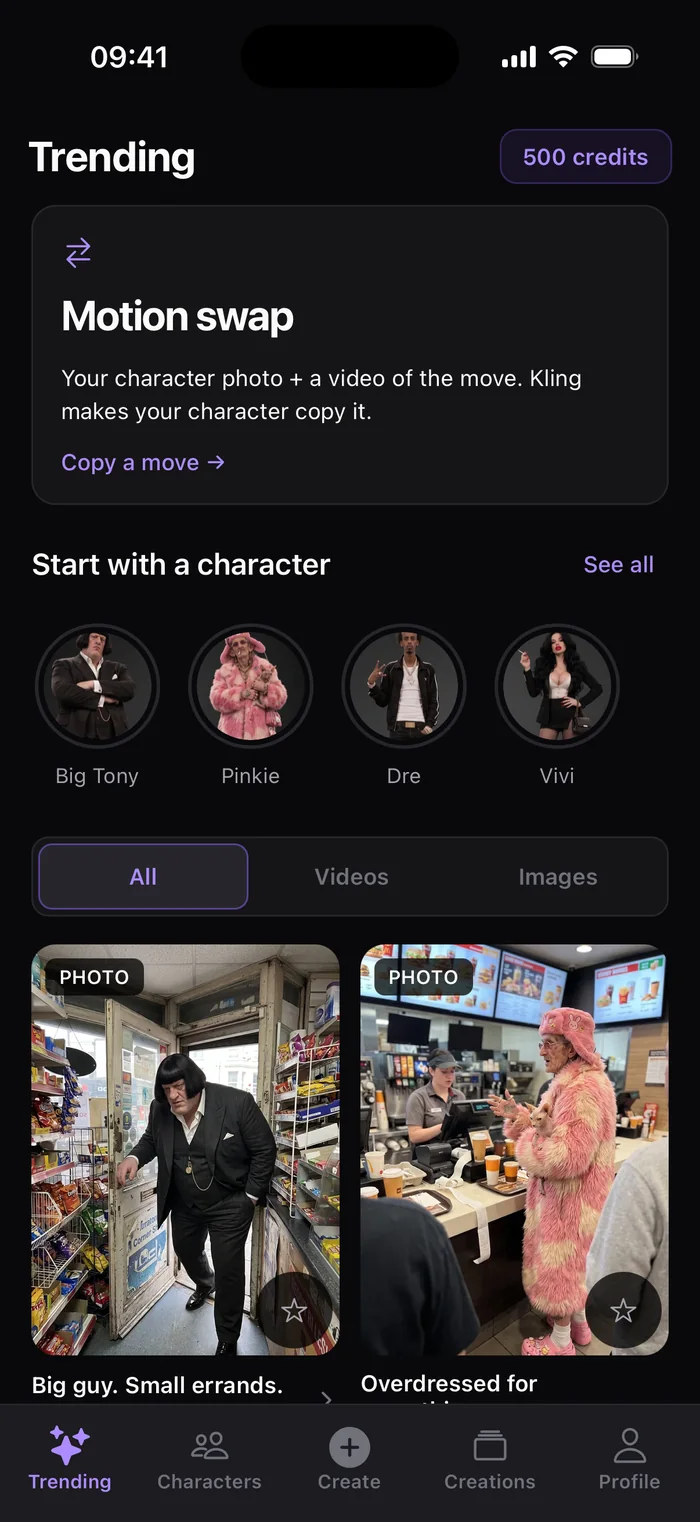
Motion swapCopy a move
Made for the feed
TikTokInstagram ReelsYouTube Shorts
9:16 · ready to post
The starter cast
One familiar face. Endless scenes.
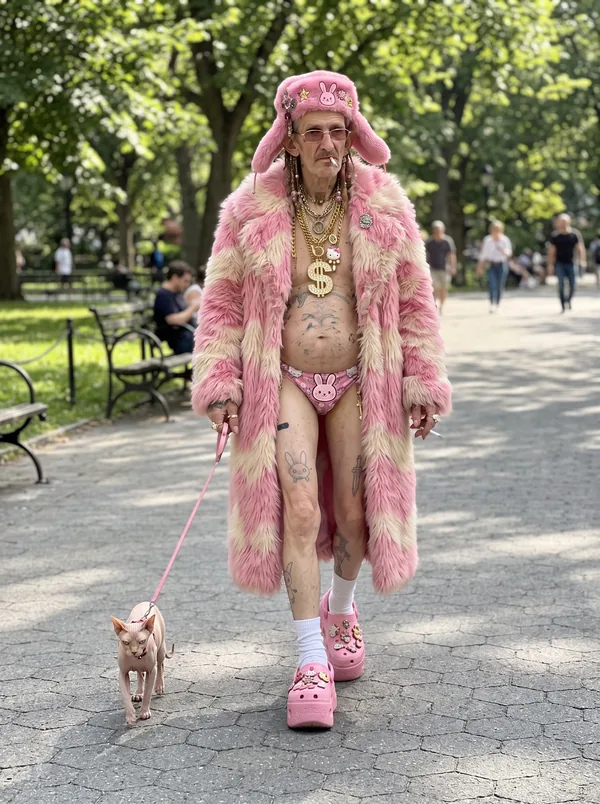
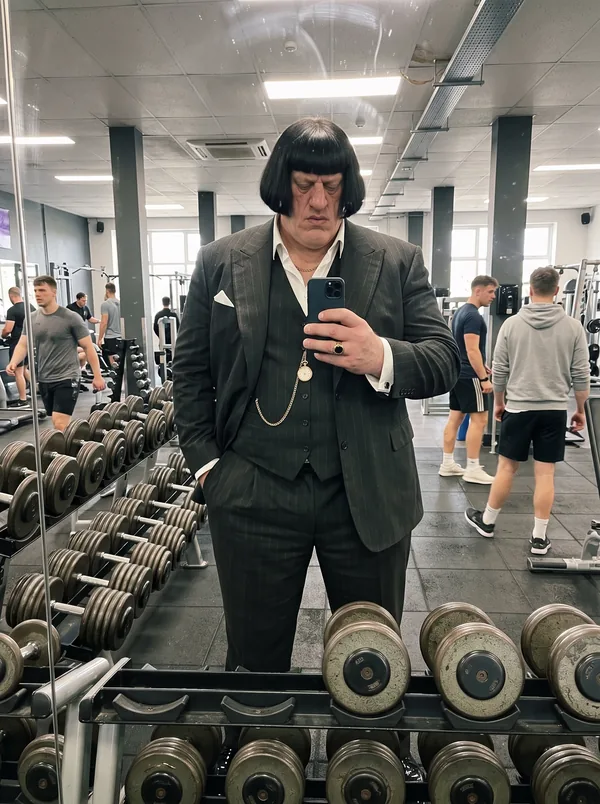
Followers come back for people, not prompts. Characters keep the same face, hair and outfit in every photo, so your account gets a recurring star instead of a random stranger each time.
Ready to useBig TonyGold watch. Very serious about errands.
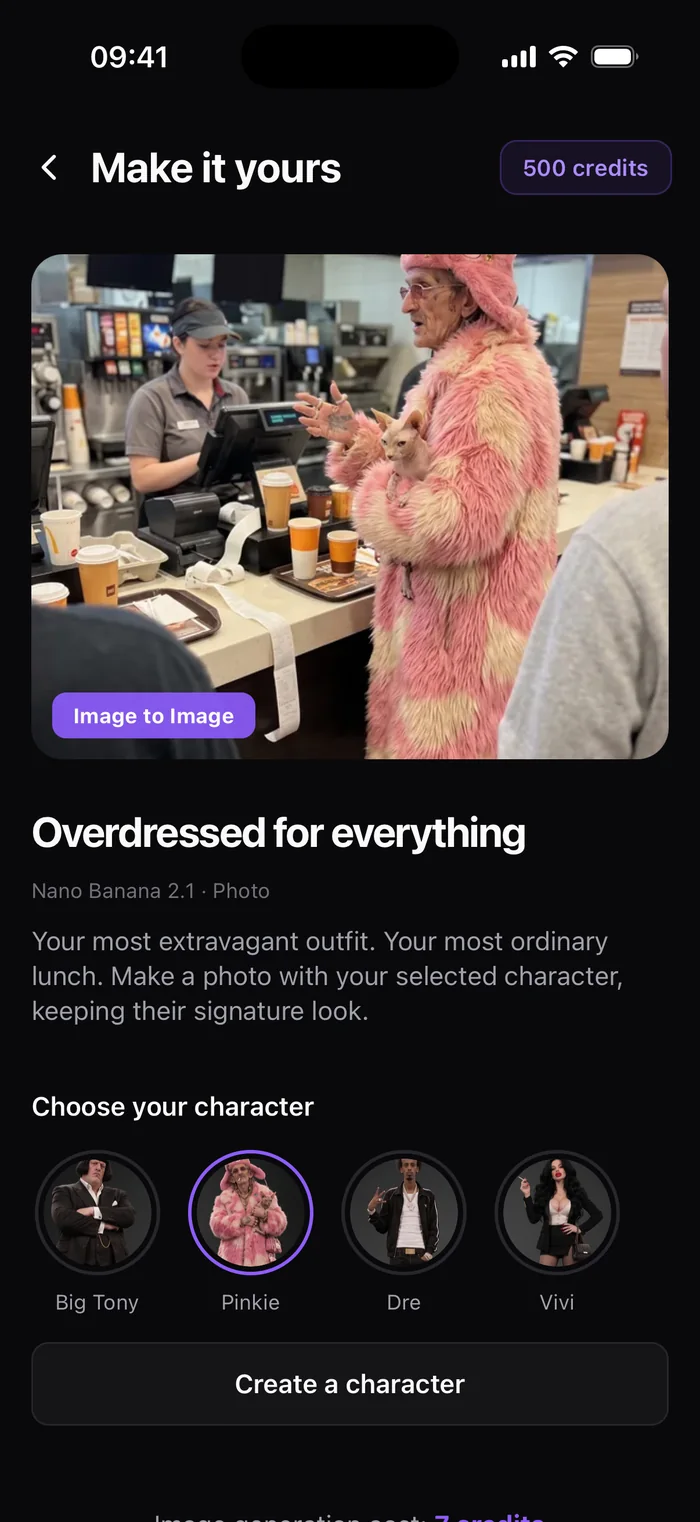
Ready to usePinkiePink fur in every season.
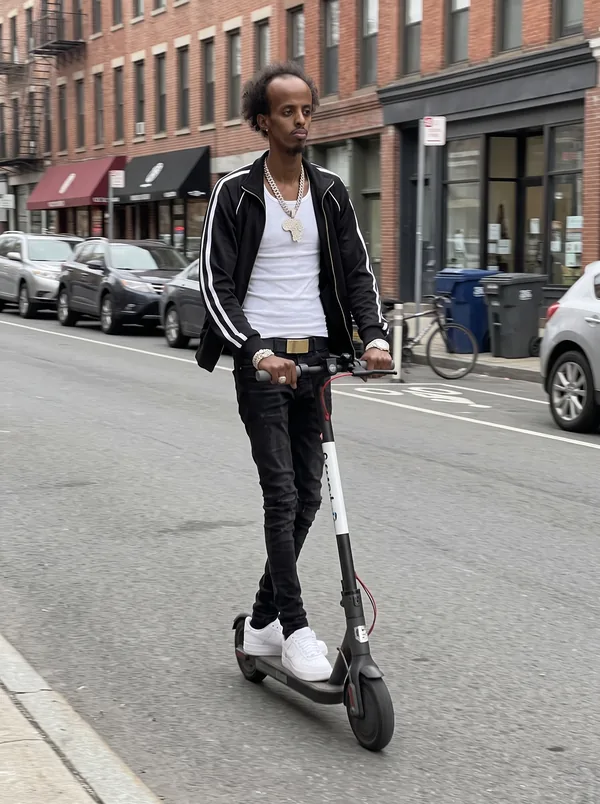
Ready to useDreTracksuit for any occasion.
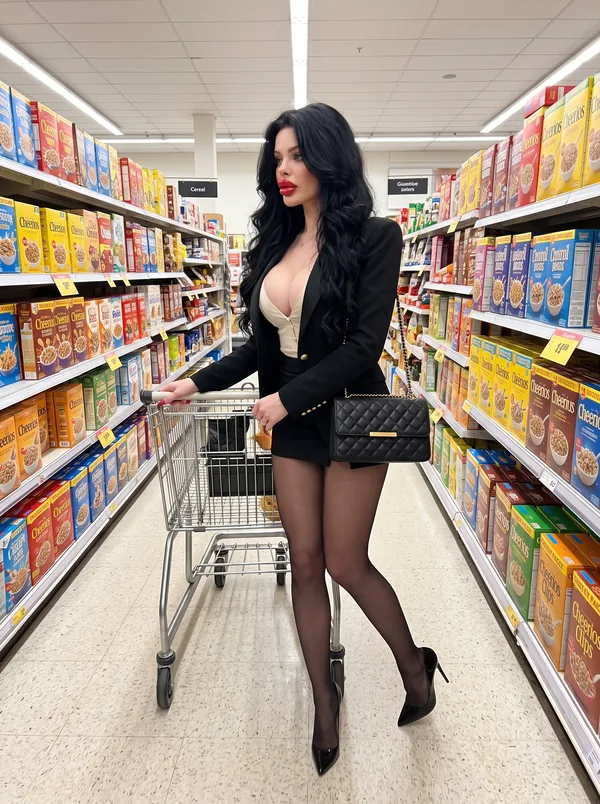
Ready to useViviDressed for a night out, always.
+
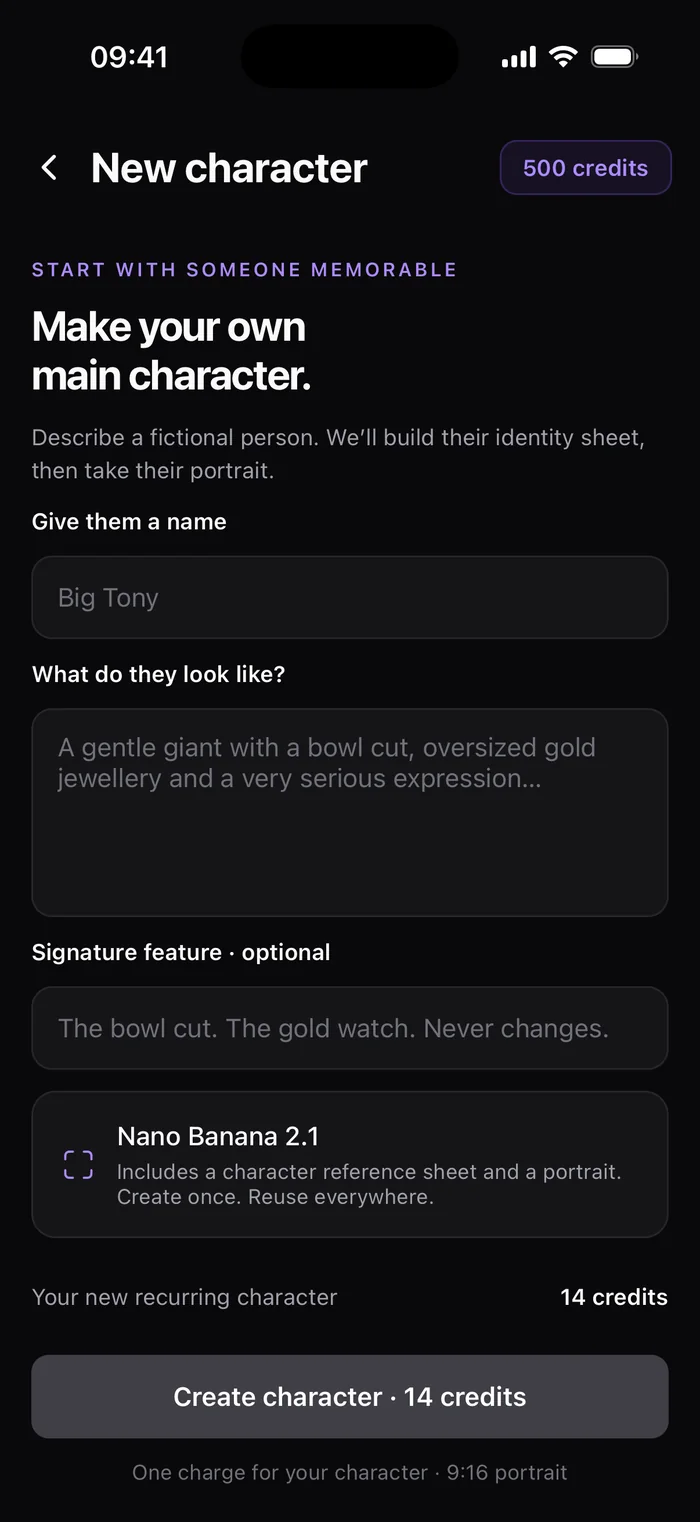
Your characterCast your ownDescribe a fictional person. ShortStudio builds their identity sheet and portrait.
Trending formats
Skip the blank page. Start with what works.
Pick a proven concept, bring your character or your own photo, and ShortStudio handles the prompt. Every format shows its credit cost up front. Want to try one by hand? Copy it from the trending prompt library.
Scenes your character was made for
Ordinary places, extraordinary people. Character scenes join camera-style video formats like found footage, CCTV and helmet cam.
CharacterBig guy. Small errands.
CharacterDressed to the nines
GoProSki wildlife
ProductAction figure reveal
Enhance prompt
Baby hippos running down the ski slope → A vertical GoPro shot chasing baby hippos down a powdery ski slope, snow spraying, crisp winter light…
✦ Prompt enhanced
Prompts without prompt engineering
Type the idea the way you would say it. ShortStudio expands it into the detail a video model needs.
One creative studio
From one portrait to a whole series.
Create the character, put them somewhere unexpected, then keep the story going in motion. Everything stays together in your Creations library.
Kling 3.0 Video
Seedance 2.5 Premium
Nano Banana 2.1 Photos
Built for posting
More creating. Less figuring it out.
A cast that stays consistent
Each character keeps an identity sheet, so the face you posted yesterday is the face you post today.
The right model for the shot
Video with Kling, Seedance and Veo 3.1. Photos with Nano Banana and GPT Image. Sound on supported models.
No surprise costs
Every format and model shows its credit cost before you tap generate.
Yours to post
Save HD exports to Photos or share straight to TikTok, Reels and Shorts.
How it works
Idea to upload in three moves.
1
Choose who stars
Pick a starter character, create your own or upload a photo.
2
Choose the scene
Start from a trending format or describe the moment you want.
3
Bring it to life
Animate the photo or copy a move, then save and share.
Free tools
Better prompts, before you spend a credit.
Free browser tools for AI creators: model-specific prompt generators, a library of trending prompts, a cost calculator and photo prep. No account and nothing to install. See all free tools
A Character is a recurring person you can put into any scene. Start with the starter cast (Big Tony, Pinkie, Dre and Vivi) or describe a fictional person and ShortStudio creates their identity sheet and portrait. Save them to My characters and reuse them across photo formats.
What is Motion swap?
Add a character photo and a video of a move. ShortStudio uses Kling motion control to make your character copy it, from dance moves to reactions.
Which AI models are available?
Video models include Kling 3.0, Kling 2.6, Seedance 2.0, Seedance 2.5 and Veo 3.1. Image models include Nano Banana 2.1 and GPT Image 2. Availability may change as new models arrive. To write prompts for them, try the free Kling, Veo 3, Seedance and Nano Banana prompt generators.
How do credits work?
Each creation uses credits, and the exact cost is shown before you generate. Credits come with a subscription, and you can top up with credit packs in the app. To price a whole week of posts in advance, use the AI video cost calculator.
Can I use my own photos?
Yes. Upload a photo, including HEIC images from your iPhone, to animate it or use it as the starting point for a format. Need the photo somewhere else too? Convert it with the free HEIC to JPG converter or fit it to vertical with the photo to 9:16 converter.
Where is ShortStudio available?
ShortStudio is available for iPhone and iPad on the App Store and requires iOS or iPadOS 15.1 or later.
The cast is ready
Your next post needs a star.
Download ShortStudio free and put a character in their first scene today.