How to use these prompts
Every prompt above is a complete starting point.
Copy it as it is to see the trend working, then change the subject to make it yours: swap the hippo for a capybara, the porch for a bus stop, the cat for your own pet.
For bigger changes, open the generator linked under each prompt.
The Kling prompt generator covers the CCTV, GoPro and rescue trends, the Veo 3 prompt generator suits product shots and ASMR, and the Seedance prompt generator handles multi-shot clips.
Photo trends use the Nano Banana prompt generator.
Why these trends work
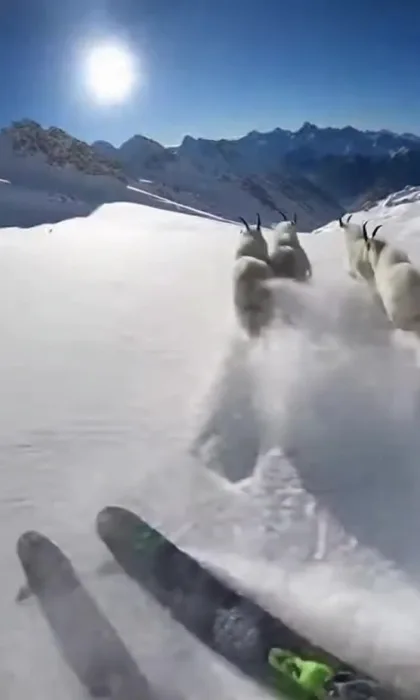
Most of them borrow a camera people already trust: security cameras, helmet cams, body cams and phone footage.
The familiar look makes the impossible part feel real for a second, and that second is what makes people stop and rewatch.
Keep the payoff for the last two seconds, keep the clip short and keep the subject in the middle of the frame.
Captions and app buttons cover the edges of the screen, so check your framing with the safe zone checker before you post.
Using your own photo
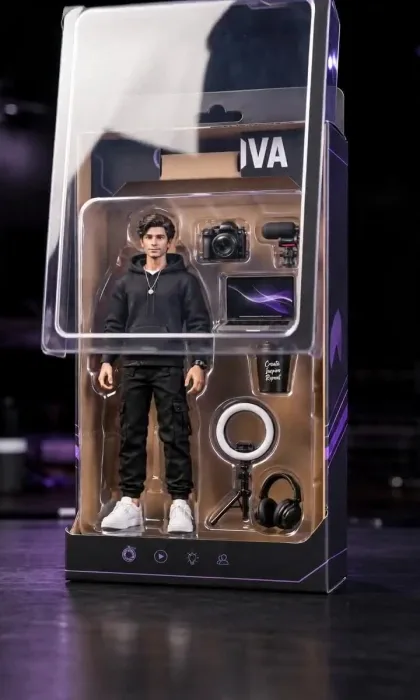
The action figure, pet and couple trends start from a real photo.
iPhone photos are often HEIC files, which many AI tools reject, so run them through the HEIC to JPG converter first.
The photo to 9:16 converter fits any photo to vertical without cropping out heads.
What it costs
Kling 3.0 prompts at 8 seconds and Standard quality cost 64 credits in ShortStudio.
Compare every model and length in the AI video cost calculator.